

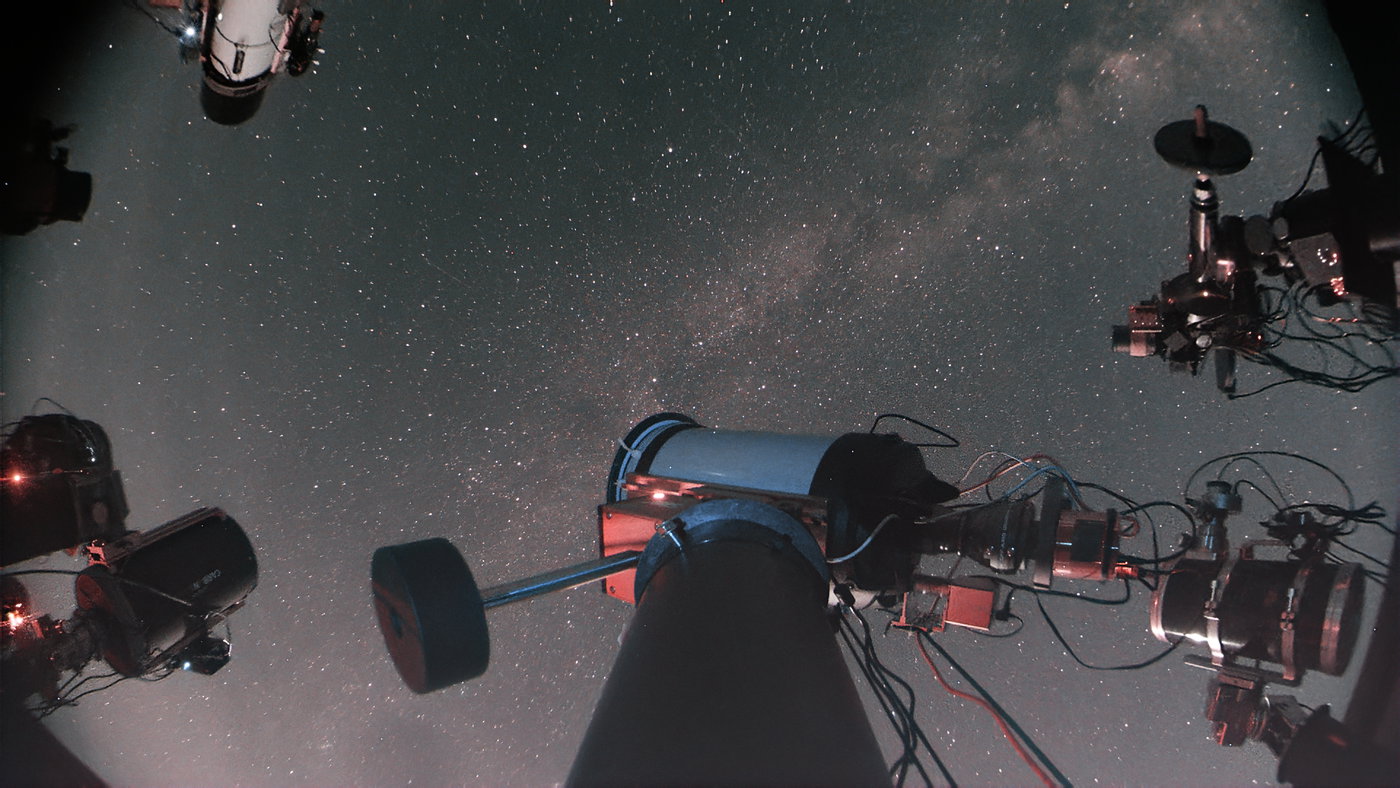
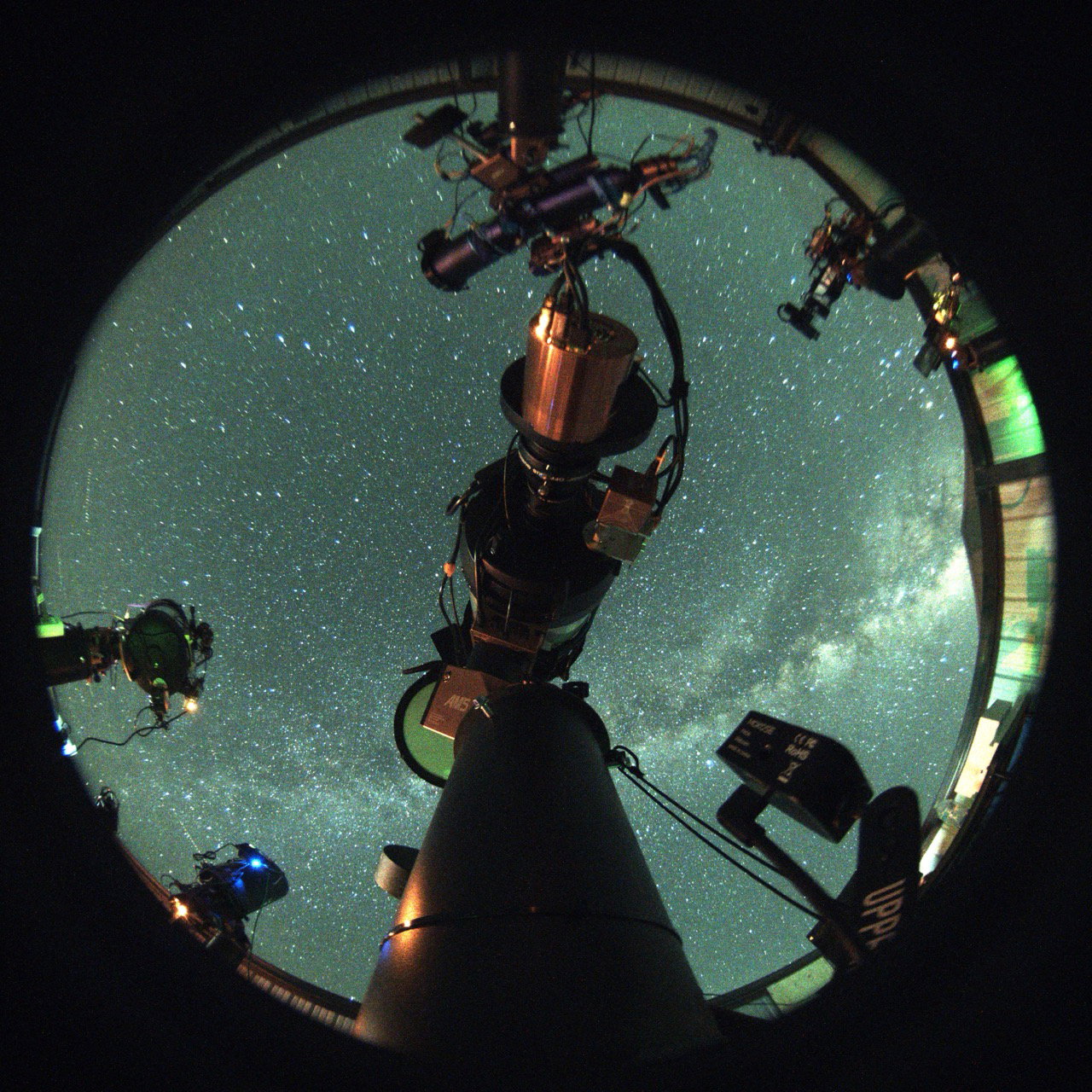
ASI662MC Pier Cam Image (2.1MP)
A pier or all-sky camera is a color astro camera with a fish-eye lens that is attached to your pier in such a way as to give you a view of your rig )albeit from the bottom of your pier) and of the sky above. You access your pier camera using software like ASICap, which is part of ASIStudio.
Pier Cameras
Here are some suitable cameras to be used as pier cams, along with their prices as of mid-2026. These are all ZWO cameras:
ASI662MC (2MP, $179)
ASI664MC (4MP, $349)
ASI678MC (8.3MP, $349)
ASI715MC (8.5MP, $229)
ASI676MC (12.6MP, $399)
Of these the ASI662MC is most common, and the ASI678MC is the most common higher-resolution camera.
Discontinued ZWO models that should work (original prices may not be accurate):
ASI178MC (6.4MP, originally $269)
ASI185MC (2.3MP, originally $329)
ASI385MC (2.1MP, originally $299)
ASI462MC (2.1MP, originally $249)
ASI290MC (2.1MP, originally $299)
ASI120MC (1.2MP, originally $149)
ASI120MC-S (1.2MP, originally $209)
ASI224MC (1.2MP, originally $149)
Of the discontinued models, the ASI178MC is particularly good.
You may be able to find used versions of these cameras on Cloudy Nights or some other used equipment site. Make sure the camera you purchase, whether new or used, includes a 150° or 170° CS mount lens. These can be purchased separately if you find a used camera that doesn't come with one. Also verify it has a 1/4” threaded hole for the mounting bolt.
Trail Cam Mounts
Your pier camera should accommodate a 1/4" mounting bolt. Typically we use a trail cam mount. Look for a mount that uses a strap rather than one that has to be screwed into a tree. Needless to say, we can't screw those into a steel pier.
Here are some options from Amazon. These may change or become unavailable but we’ll try to keep the list up-to-date.
WingHome Trail Camera Mounting Bracket
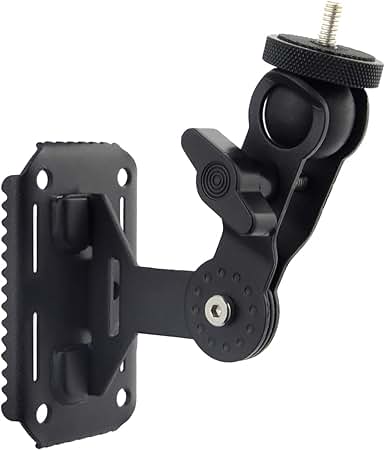
WingHome Trail Camera Mounting Bracket at Amazon
Dosarzo Trail Camera Mount
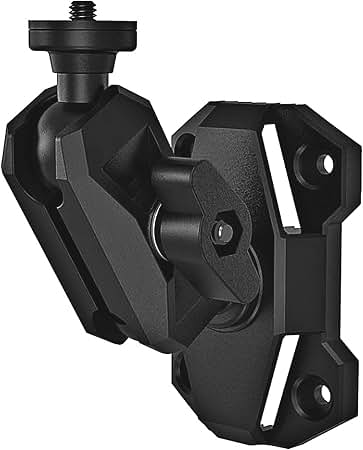
Dosarzo Trail Camera Mount at Amazon
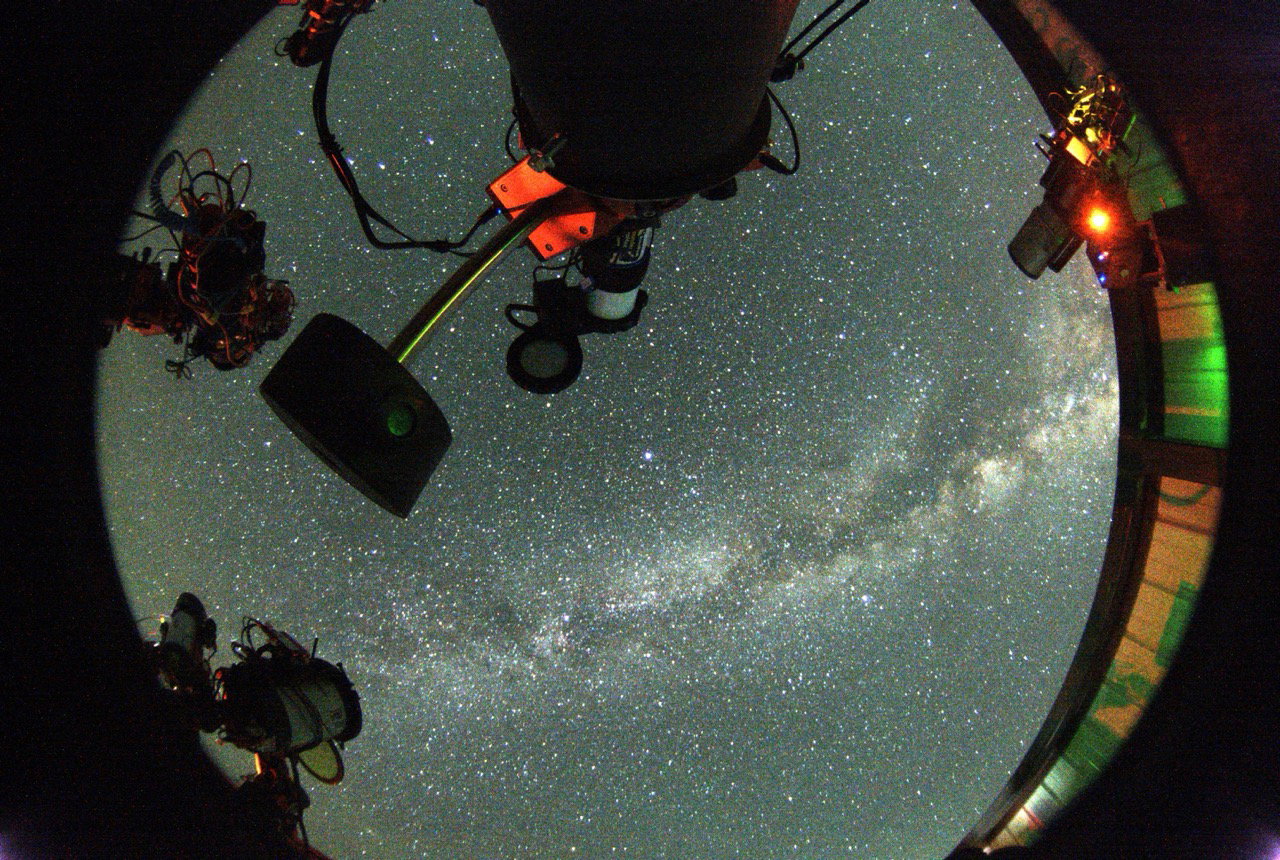
ASI178MC Pier Cam Image (6.4MP)
Viewing Your Pier Camera
How you view pier camera images depends on your configuration.
Mini PC Running NINA
While you can view your pier camera in NINA, it works best to use a separate app. Connect the pier camera to a USB port on your mini PC and run it with separate camera software such as SharpCap or ASICap. This allows the pier camera to operate independently while NINA continues imaging with the main camera. You can view both simultaneously through your normal remote-desktop connection to the mini PC.
ASIAIR
Again, while you can view your pier camera in the ASIAIR app, it works best to keep it separate. If you have a Mac mini or mini PC on your pier, connect the camera to it by USB and use SharpCap or ASICap to view it. If you don’t have a computer on your pier, consider adding a Raspberry Pi computer that runs the Allsky app. You’ll need a basic Ethernet switch (i.e. an inexpensive 5-port unmanaged switch) if you don’t already have one, so that you can split your single LAN connection at the observatory between your ASIAIR and Raspberry Pi.
KStars/Ekos, StellaVita, Etc.
Treat these like one of the cases above. If you can run a separate imaging app like ASICap on the computer that is controlling your rig, use that. If you don’t have a computer, consider a Raspberry Pi deployed for that purpose.
Raspberry Pi
A Raspberry Pi is an inexpensive, small computer that can be dedicated to your pier camera. You’ll need a Raspberry Pi (a Pi 4 with 2 GB of RAM is more than adequate), a microSD card with Raspberry Pi OS and Allsky installed, a power supply, and an Ethernet connection to the observatory network. Connect your pier camera to one of the Pi’s USB ports. Allsky runs continuously on the Raspberry Pi and provides a Web interface, so you don’t need a monitor, keyboard, or mouse at the pier. Once it is configured, and you are connected to AstroPeak using WireGuard and the credentials provided by AstroPeak, you simply enter the Raspberry Pi’s IP address in a Web browser on your computer at home to view the current camera image and access Allsky’s controls. The Raspberry Pi and camera operate independently of your telescope-control system, so the pier camera remains available even while your telescope is imaging.
ASI676MC Pier Cam Image (12.6MP)